
Change or reset password on Umu-id
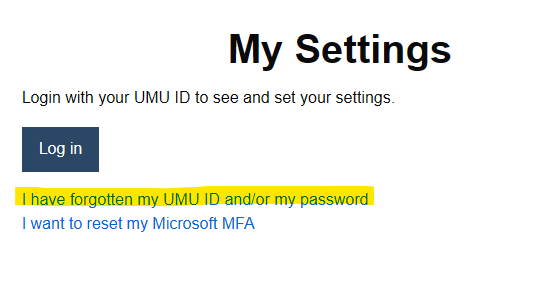
1. Go to the administration tool My Settings
2. Click on I have forgotten my UMU ID and/or my password.
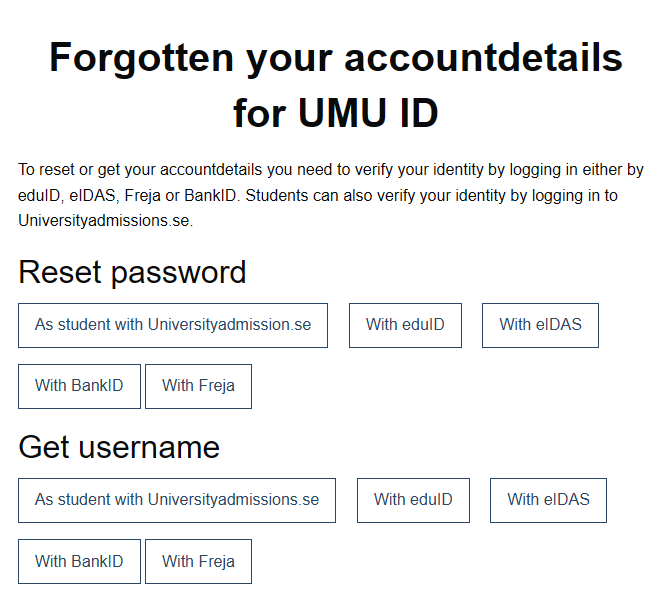
3. Click on one of the options and follow the instructions on the screen.
Note!
Once you have changed the password for the UMU ID, the new password applies to all places you log in. If you use your UMU ID on several devices and with automatic login, you need to update the password there as well (update with the correct password, do not change the password). If you cannot change your password, wait 15 minutes and try again, it may be that your account has been temporarily locked because you tried to log in too many times.