Freja+
Freja+ is a government approved digital ID card that you can use on some services and system at the university. This manual shows how to log in to Umeå University’s systems with Freja+.
Note! Logging in with Freja only works for users with a Swedish personal identity number.
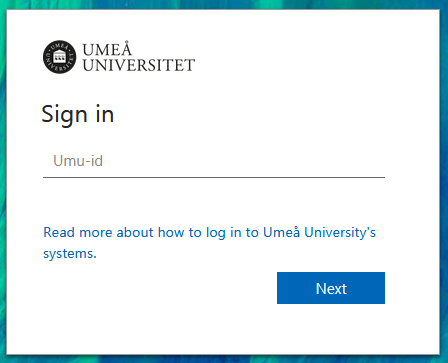
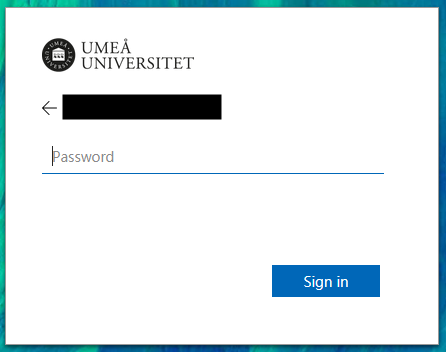
- Type your Umu-id and your password.
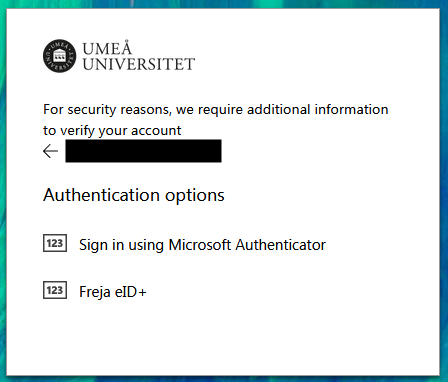
- Choose between either Microsoft Authenticator or Freja eID+. Choose Sign in with Freja eID+.
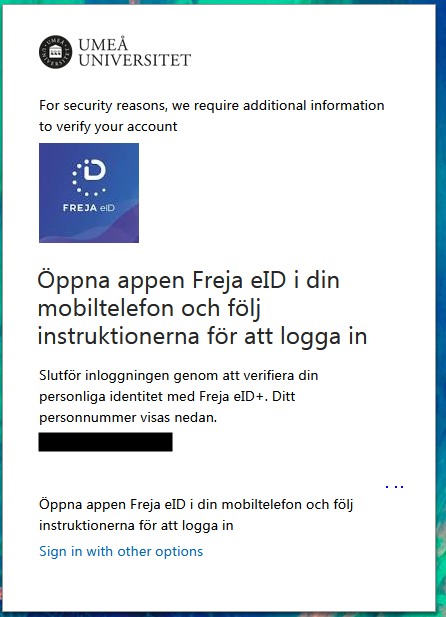
- On your mobile device in the Freja eID+ application, accept the login.