
First time loggin to SciFile
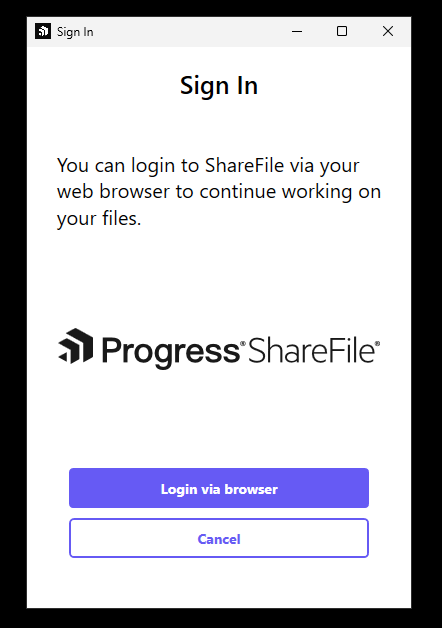
The first time you start SciFile for a project, you must log in to ShareFile. Once you have done this, SciFile will automatically log you in over a 30 day period, after that you will need to log in again.
Login:
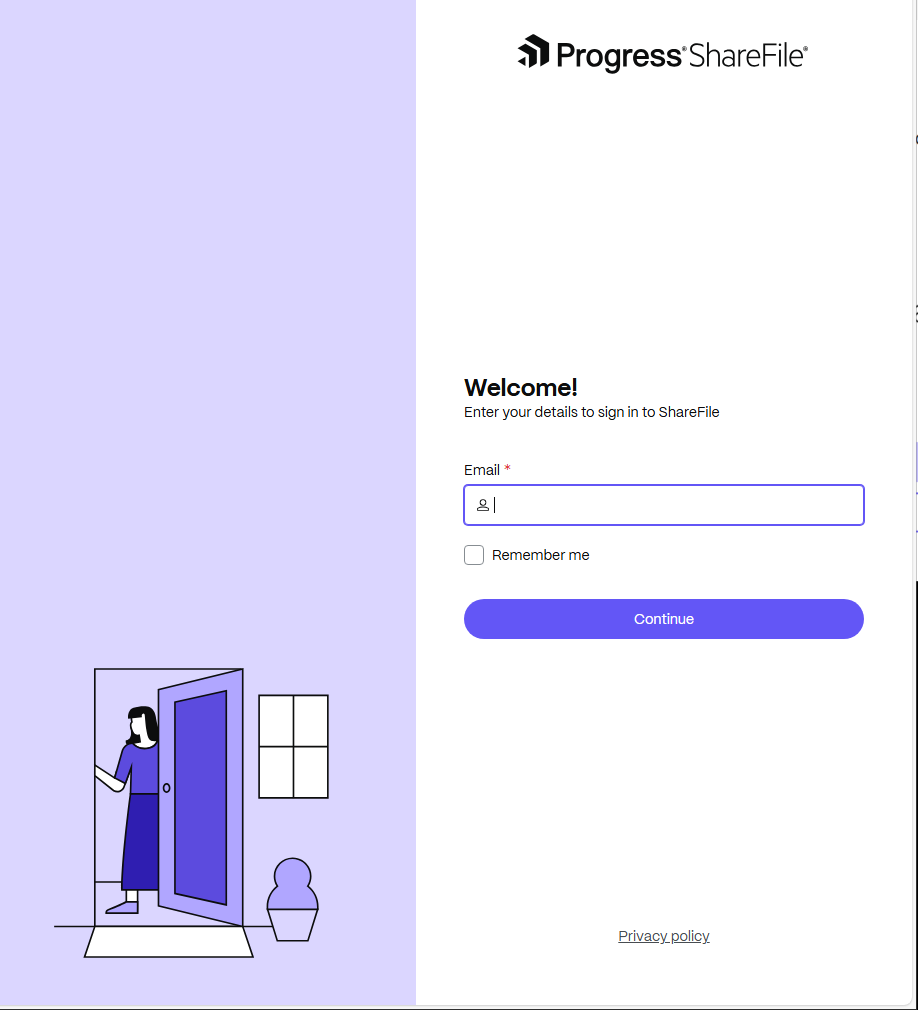
- Enter your UMU EMAIL firstname.lastname@umu.se it will redirect you afterwards.
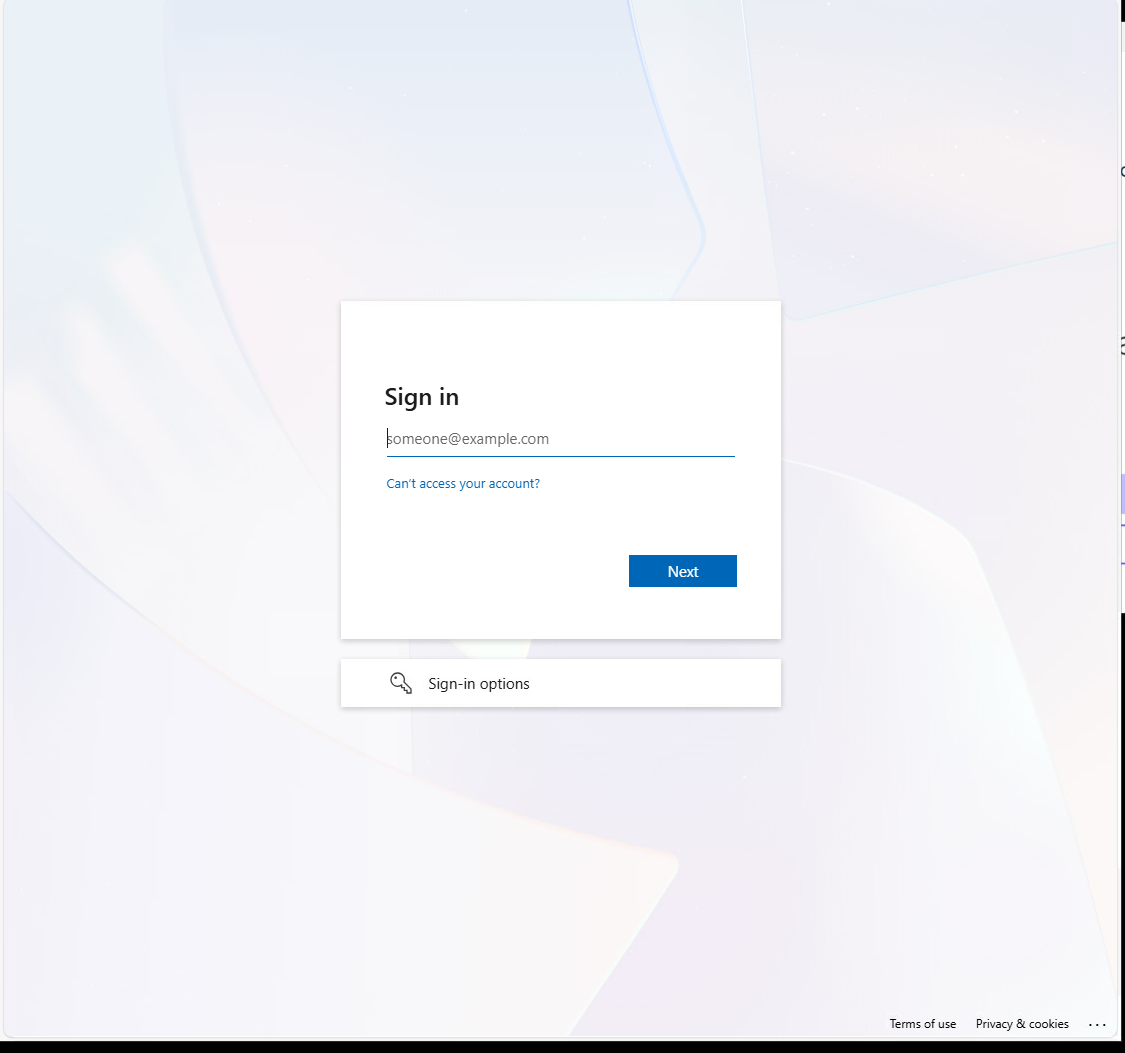
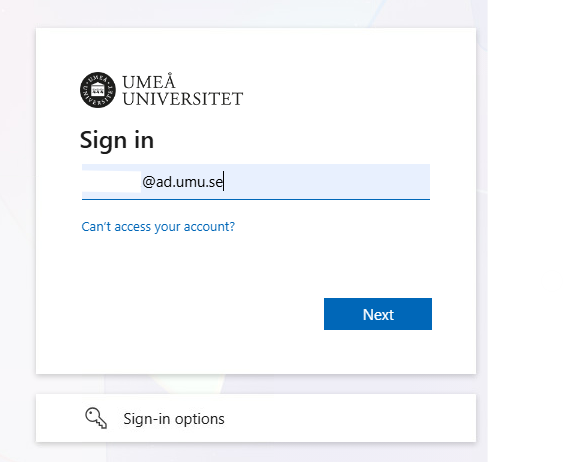
- Now enter your umuid@ad.umu.se
- Enter your password
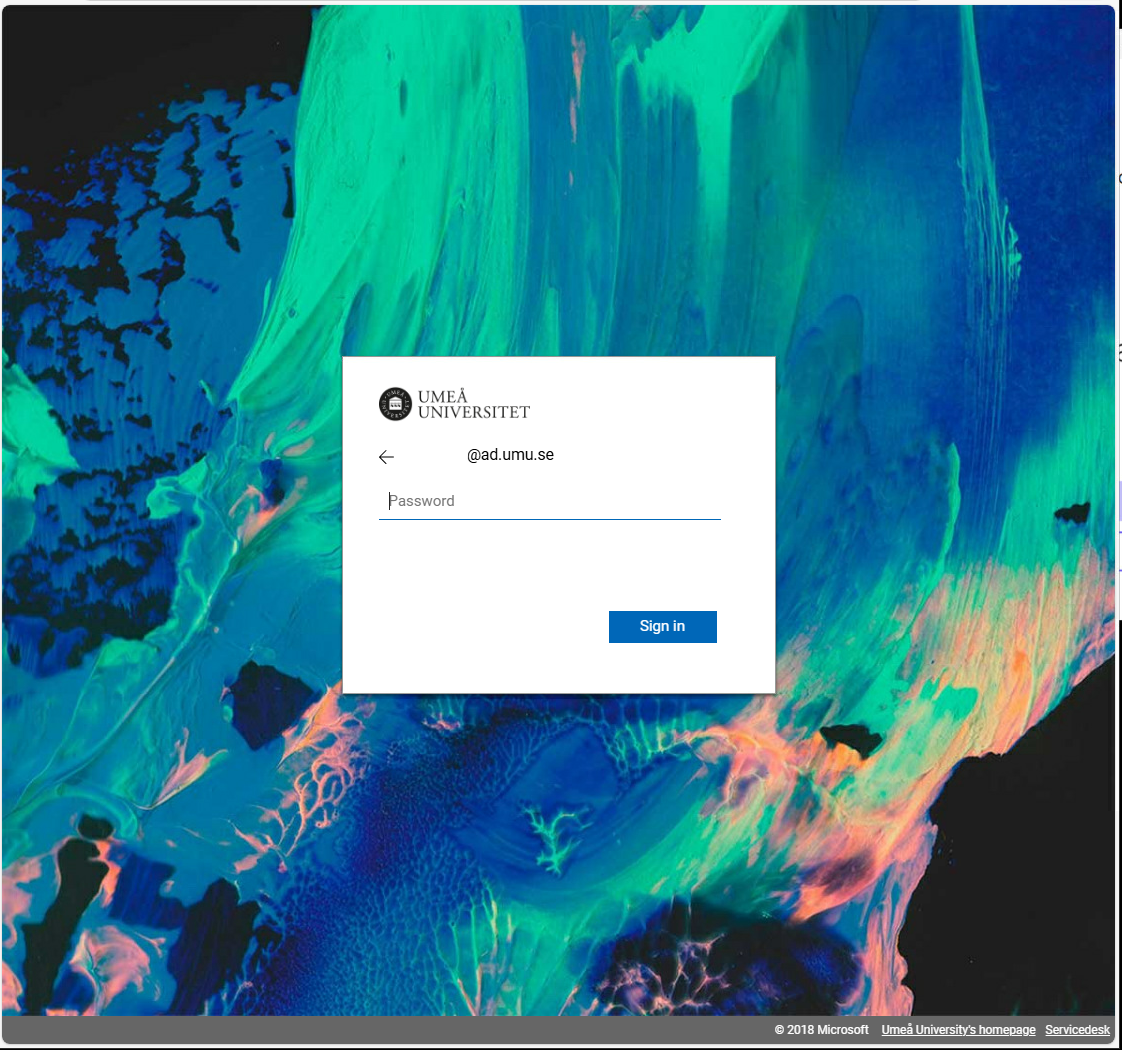
- And umuid@ad.umu.se again.
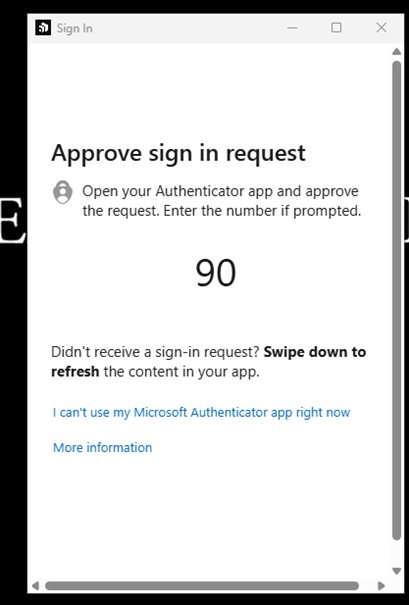
- MFA login
- You now log in to ShareFile and after about 30-60 seconds you will have access to the project’s storage spaces in Explorer.