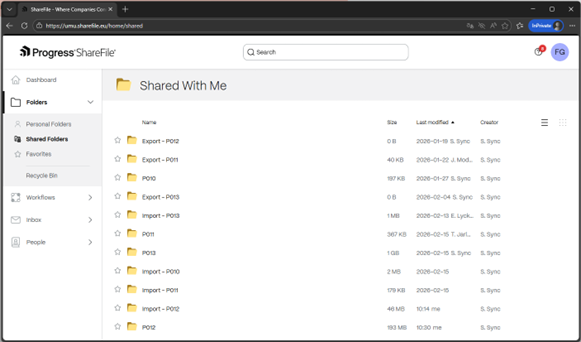
Storage from your computer in Sharefile for SciFile (web)
To import or export data from your SciFile project using the ShareFile web service: https://umu.sharefile.eu/
Click on the link above:
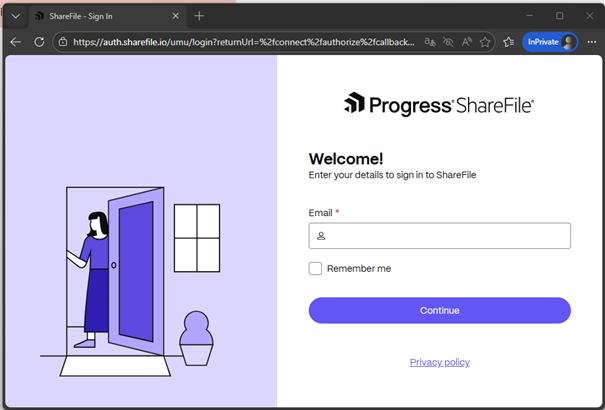
- Log in with your email firstname.lastname@umu.se
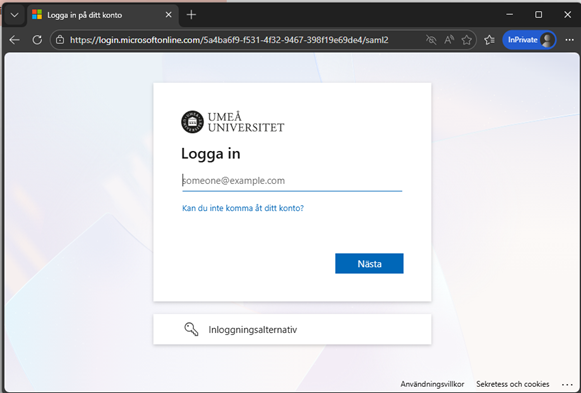
- Enter your UMUid: abcd1234@umu.se
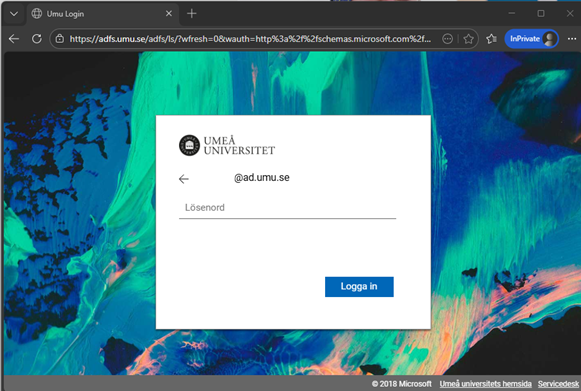
- Enter your password
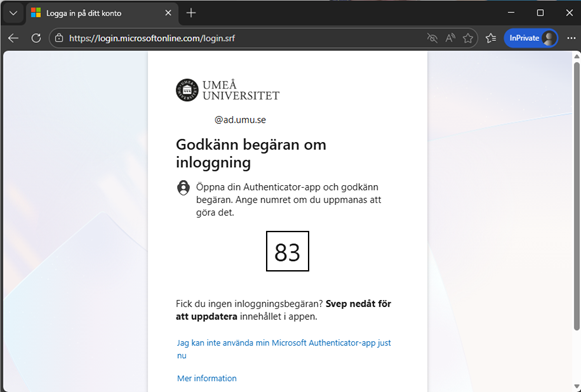
- Confirm your MFA
- Under the “Shared Folders” folder you will find all your project folders. However, it is only in folders called “Import” that you can write and read files from your computer.