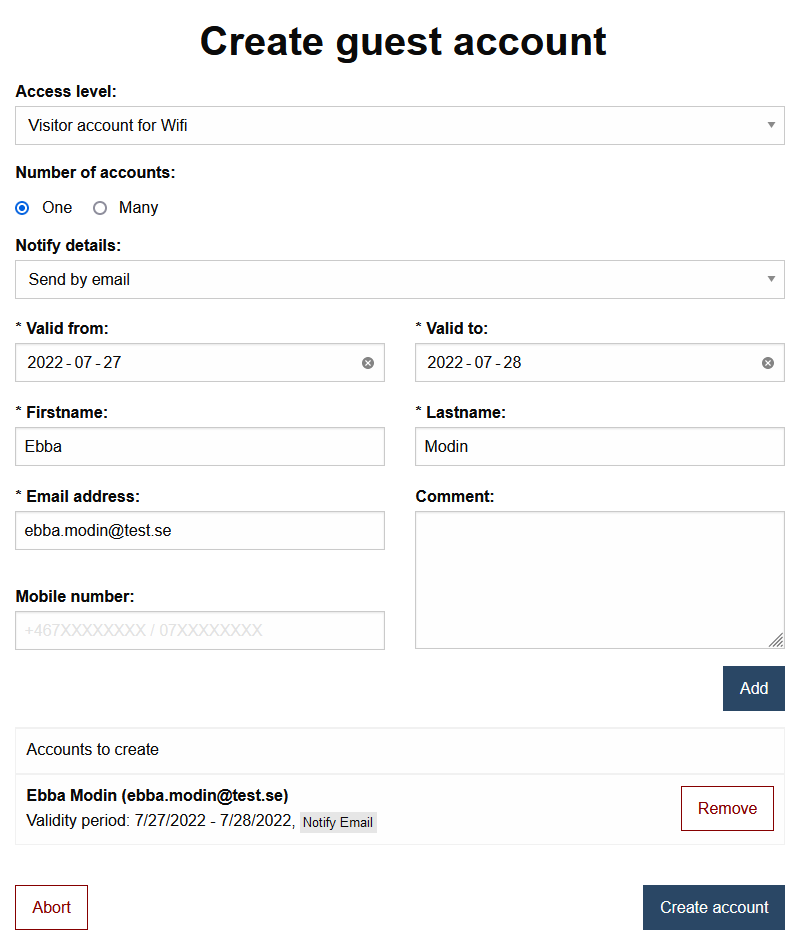
Create guest account for wifi (Netlogon)
As an employee, you can create temporary guest accounts for the wireless network by using the Administration Tool.
- Go to https://administrationsverktyg.umu.se/Gastkonton
- Click Create a guest account. If you are not logged in, click Administrate first.
- Enter the requested information in the form and then click Add.
- Once you’ve added one or more, click Create Account.