Storage from your computer in Sharefile for SciFile (Windows)
It is also possible to use the ShareFile app that SciFile uses from your PC. However, we recommend the website https://manual.umu.se/lagring-sharefile-webb/ as it saves you from having to install an application on your computer.
However, if you want to use the ShareFile app on a computer, you can download it from this address: https://www.sharefile.com/apps-integrations
There is an additional initial login step compared to starting the app inside SciFile.
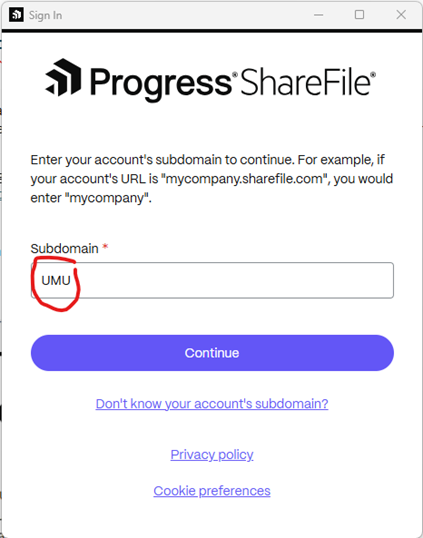
- Set Subdomain: UMU
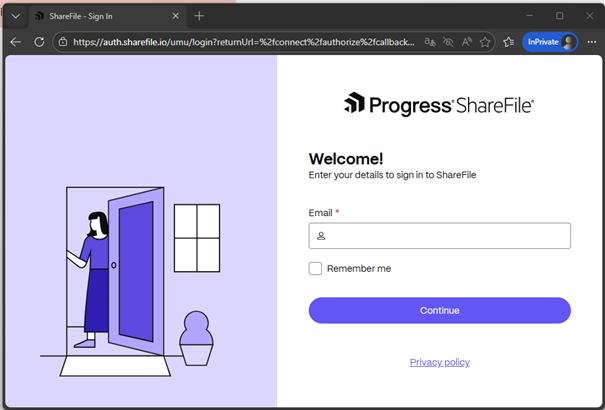
- Logg in with your e-mail firstname.surname@umu.se
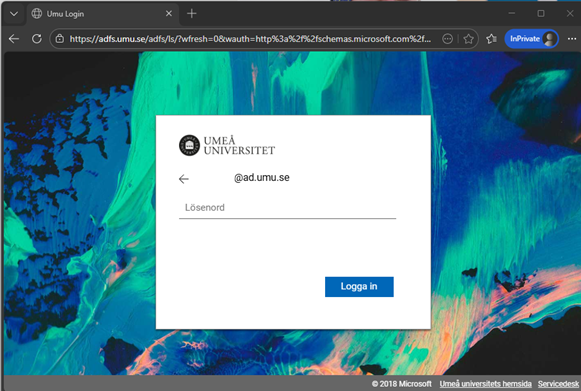
- login with your UMUid: abcd1234@umu.se
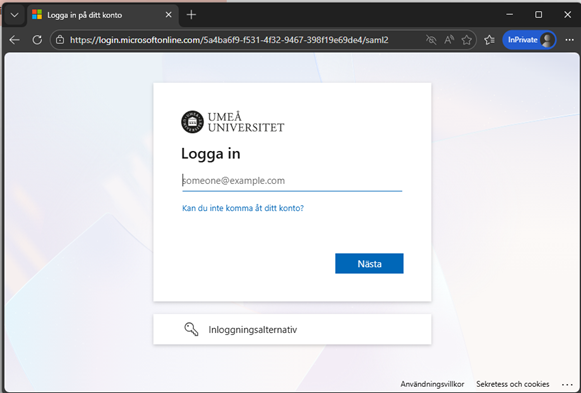
- Type your password
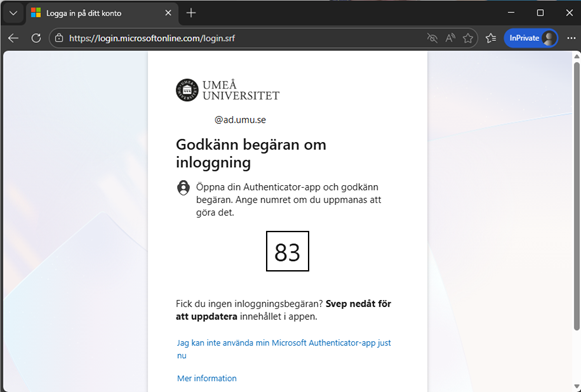
- Confirm your MFA
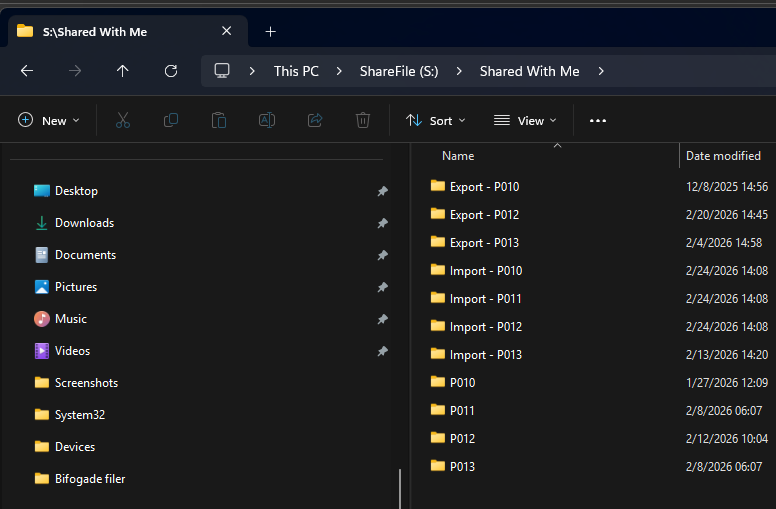
- In the explorer, a new drive (S:) is created, then go to “Shared With Me” and you will find all your project folders. However, it is only in folders called “Import” that you can write and read files from your computer.