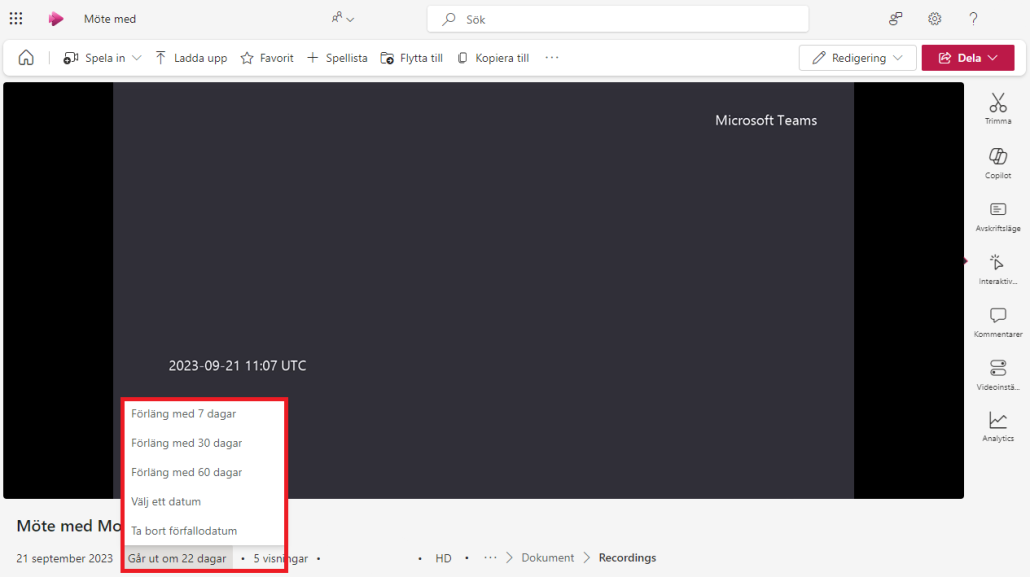
Delay or remove auto-delete of your recordings
To disable automatic deletion of a Teams recording or to extend how long such a recording should remain in M365 (default is 180 days), you as the owner of the recording can go in via Microsoft Stream and change the date of deletion:
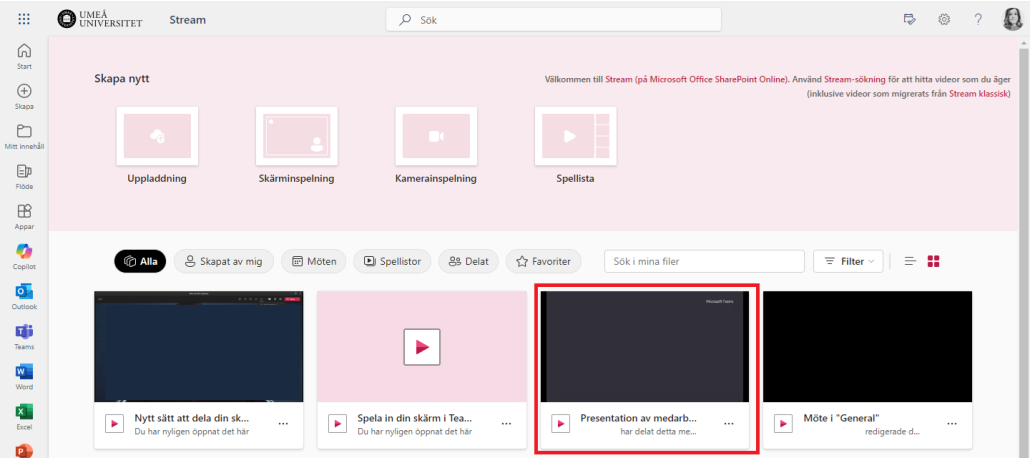
- Go to Stream in the Microsoft 365 portal
- Find the recording you want to change and click on it
- On the left below the recording, you will find information about how many days are left until the recording is automatically deleted. Click on the number of days to change or remove the end date