
Manual

Manual
  • Svenska
  • Menu Menu

Tag Archive for: netlogon

Jonas Sundström

Access to wireless guest network at Umeå University

Updated: 2026-03-26/in Employee, English, Student, Wireless network /by Jonas Sundström

This guide is intended for guest who have received a guest account for the wireless network at Umeå University.

  1. Make sure Wi-Fi is running on your computer, smartphone or tablet.
  2. Select the network (SSID) UmU wlan.
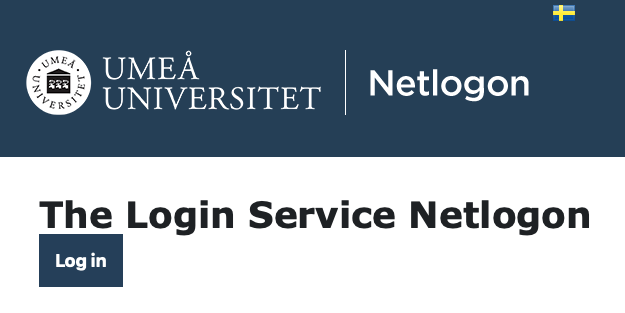
  3. Start a web browser and you will get to a login page. If the login page does not come up, write http://administrationsverktyg.umu.se/Netlogon
  4. Logga in (Log in). <guestid>@ad.umu.se. If you are employed or student use your Umu-id
NOTE!

  • If you your computer goes into sleep mode then you will be logged out.
  • Turn off proxy setting if it is on.
https://manual.umu.se/wp-content/uploads/2018/02/manual-loggo.png 0 0 Jonas Sundström https://manual.umu.se/wp-content/uploads/2018/02/manual-loggo.png Jonas Sundström2017-06-28 11:06:072026-03-26 11:05:01Access to wireless guest network at Umeå University

Contact ITS Service Desk

Create a support ticket at www.umu.se/servicedesk, call 090-786 63 00 or visit us next to Infocenter.

Kategorier

Scroll to top Scroll to top Scroll to top