
VPN for Design students
Installation of VPN client software.
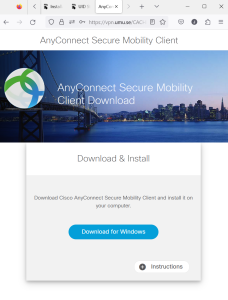
- Open a web browser and go to the following URL: https://vpn.student.umu.se
- Login with your UMU ID.
- Click on the link “Download for Windows/macOS” to start the download of the client installer.
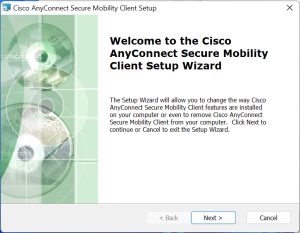
- Open the downloaded installer and click “Next” to start the installation.
Configure and connect the client
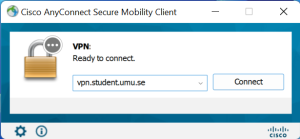
- Start the application “Cisco AnyConnect Secure Mobility Client”.
- Type “vpn.student.umu.se” as the server address and click “Connect”.
- Login with your UMU ID
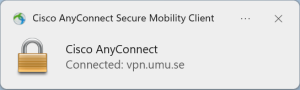
As long as the session is active, you will have access to resources protected by UMU’s firewall.