I have not received any activation information. What do I do?
Information about methods to activate your Umu-id and other things related to your account at Umeå University.
Engelska kategorin för studentinformation.
Information about methods to activate your Umu-id and other things related to your account at Umeå University.
As a student or employee, you need an UMU-id to be able to log into most of the University’s systems and services, such as Canvas, Intranet and administrative systems.
Your UMU-id consists of a username and a password. The username consists of 8 characters in a combination of letters and numbers. The letters are based on your first and last name while the numbers are a serial number.
Password to your UMU-id is something you set yourself. A password must be between 16-50 characters long and must contain 3 of the following 4 parameters: Capital letters, small letters, numbers, special characters (like * # ! & )
You use UMU-id to log in to most of the university’s central IT systems.
This guide is intended for guest who have received a guest account for the wireless network at Umeå University.

NOTE!
These instructions are for those who wish to forward their email to a private email address.
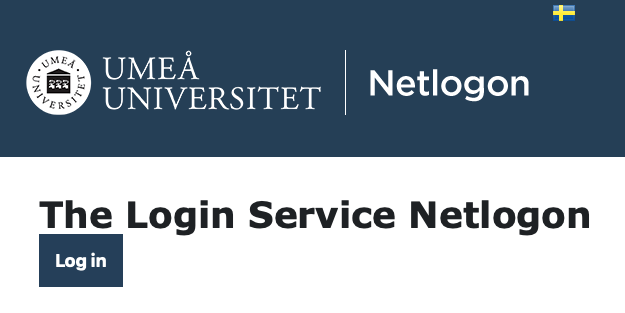
Login to http://o365.umu.se

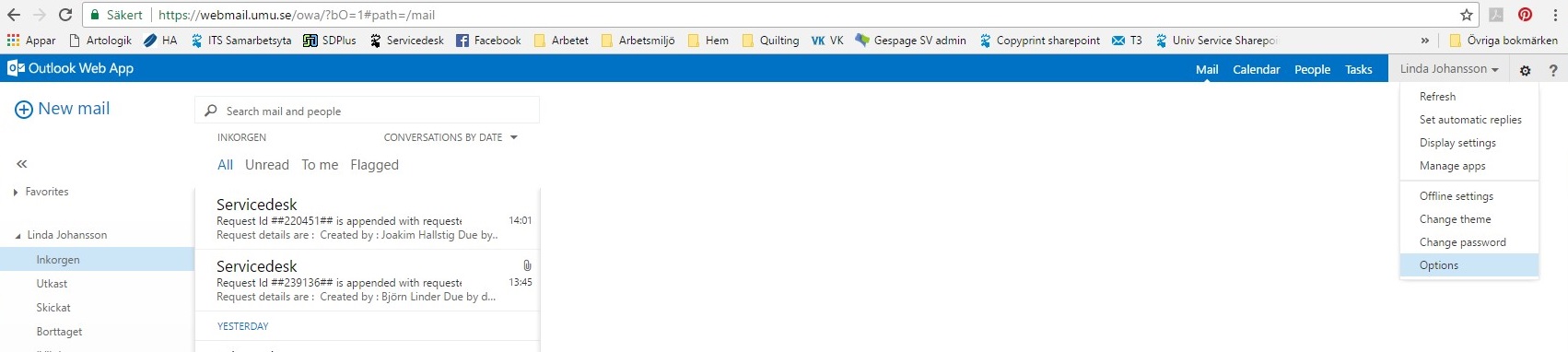
Klick on the ‘gear‘ icon in the top right hand corner.

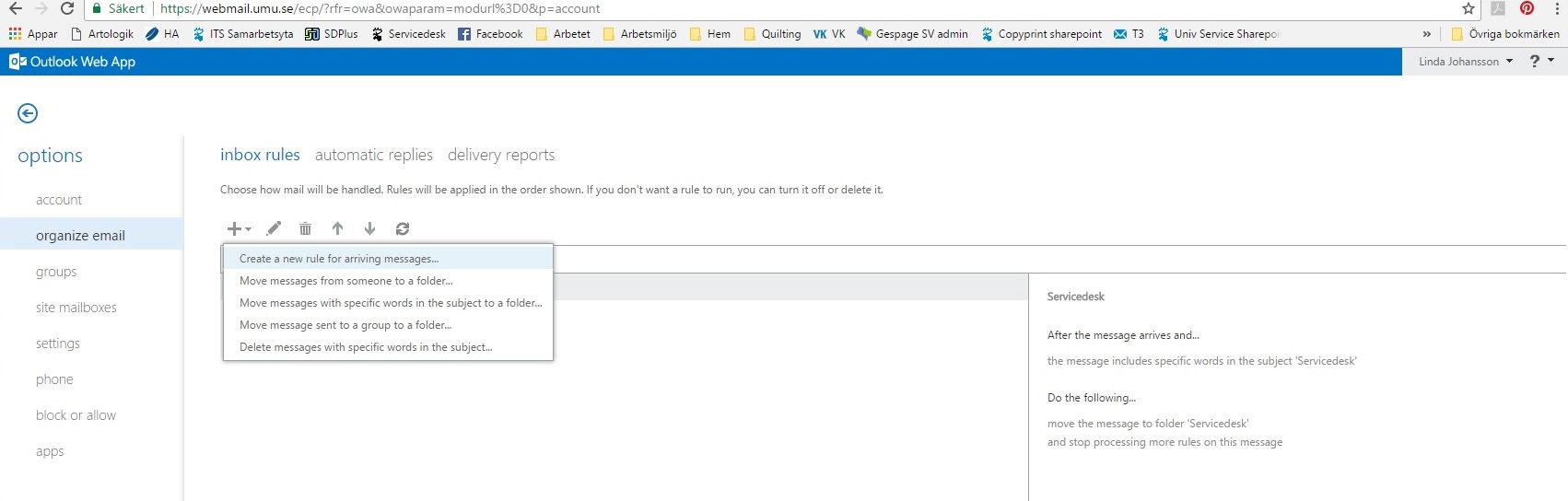
On the left menu system choose ‘organize email’ then Create a new rule for arriving messages.

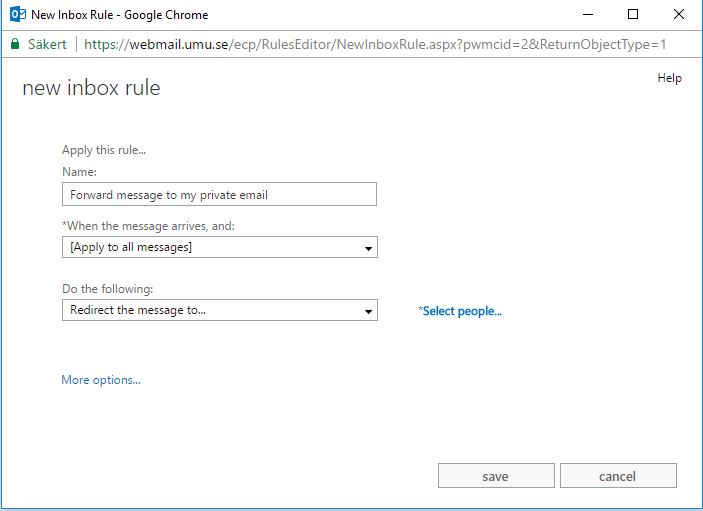
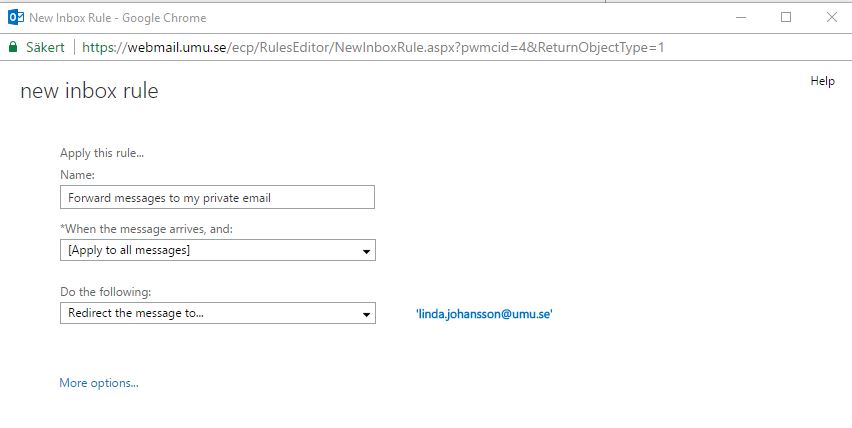
Here you choose the name for your rule, which message(s) it should apply to and the conditions it applies to (for example, forward message to…)

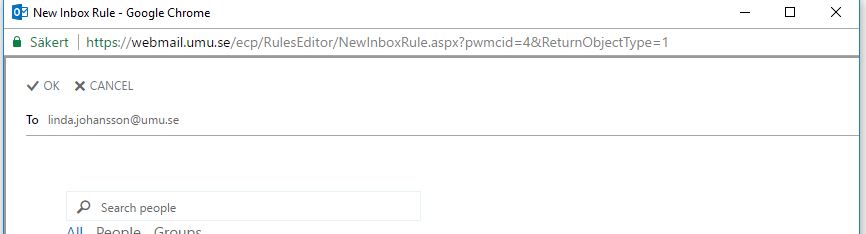
In the box that opens, write in the email address or search after a person or email address you wish the message(s) to be sent to.

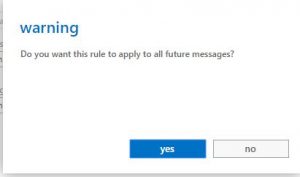
Click on Save. Choose YES, then OK

You have now created a rule that forwards all email to another address. This rule appears in your list with a check mark beside it stating that the rule is now enforced.
As a student you have access to the Office-package during your study time. That package includes, amongst other things, Word, Excel and PowerPoint. The package is available via your apps download program (ex. App Store, Google Play, Windows Store).
Information about the wireless network at the Umeå University campus.