
Graphic design tool – introduction
The graphic design tool has been developed to simplify for staff to produce products for print and press with the help of templates following Umeå University’s visual identity. This page provides an overview of the functionalities available in the tool.
You can choose to learn more by watching the video or by reading the text below.
Introductory video
English subtitles can be enabled under CC in the bottom-right corner. Although the tool interface is Swedish in the film, the tool can be set to English under My user account.
Logging in
To use the graphic design tool, you need to log in using your Umu-id.
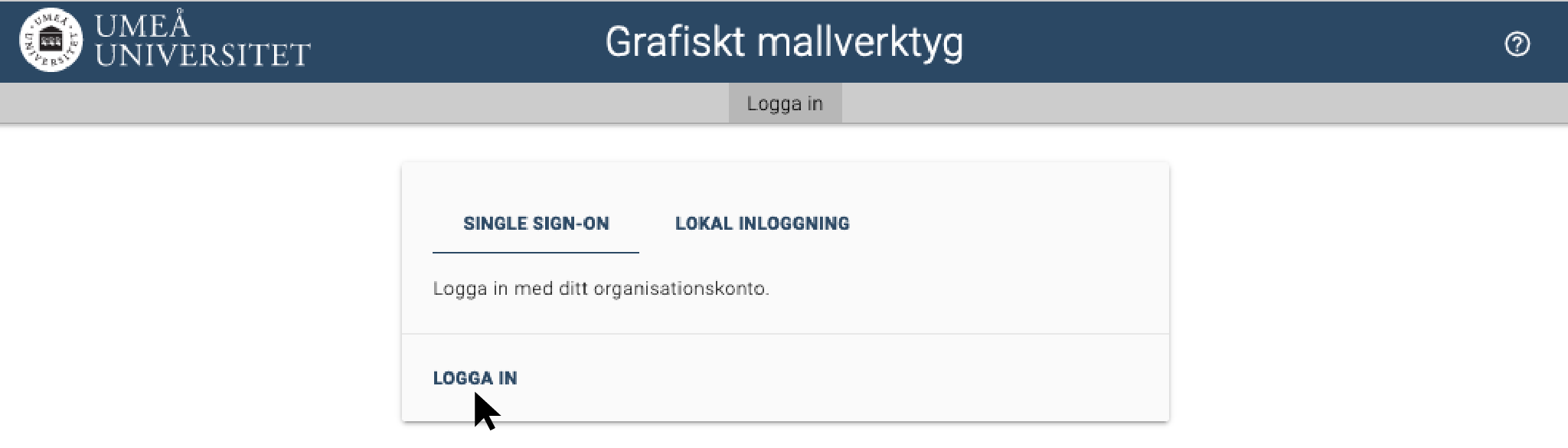
- Go to the login page for the graphic design tool.
- Click Log in.
Start page
On the start page, you will find a search field where you can search among templates or documents. You can also see your recently edited documents and available document templates.
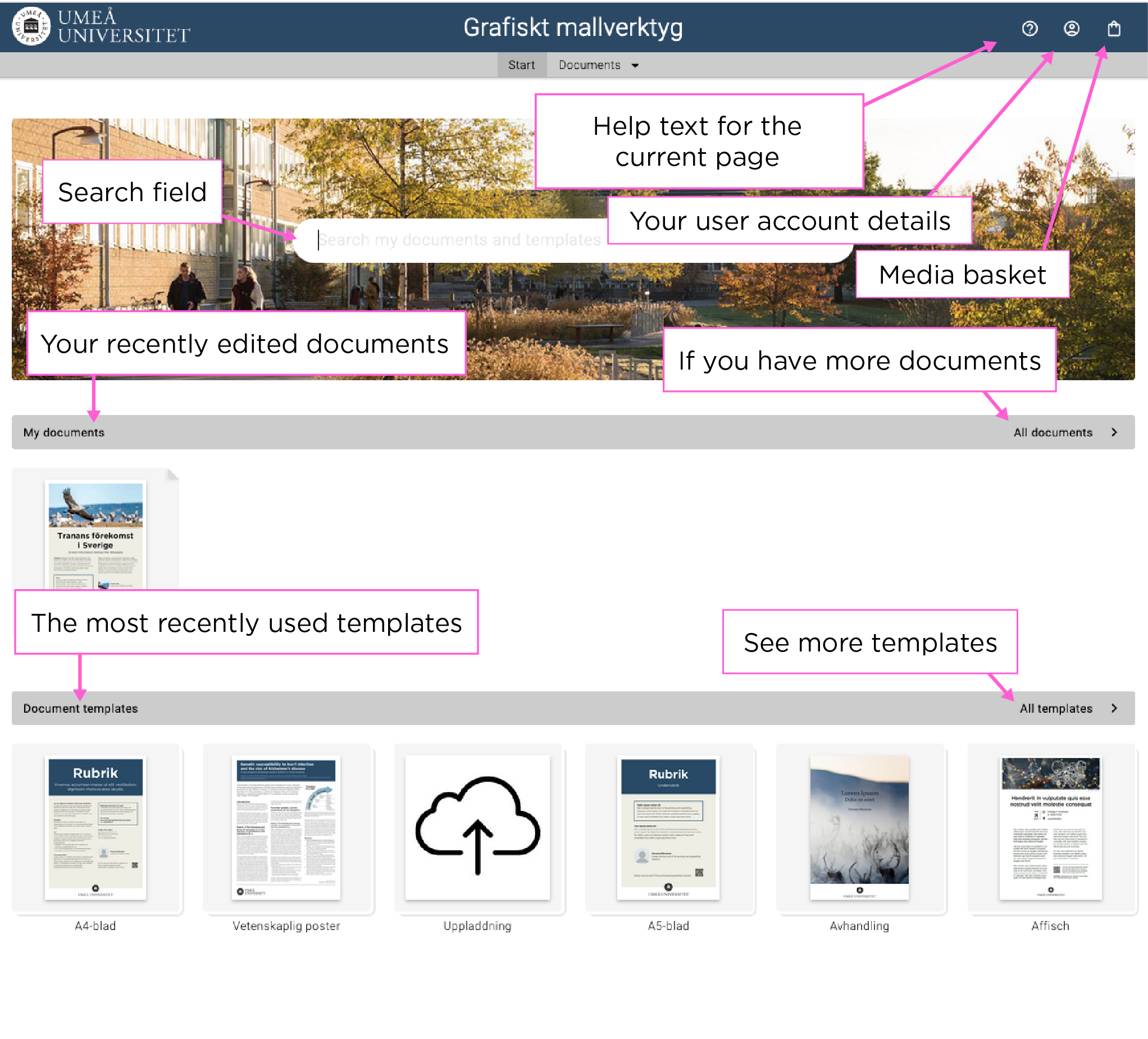
Under the icon “My user account” in the top-right corner, you can:
- change your account details;
- set up and manage user groups;
- overview your orders;
- set system language; and
- log out.
The checkout icon is your media basket, which contains all documents you have added. Press the icon to proceed with placing an order.